Your Figma prototype. As a clean video.
Proto to Video records your Figma prototype and exports it as MP4, GIF or WebM, without the cursor or Figma's interface, in a device frame. Ready for a portfolio, a Dribbble shot or a client.
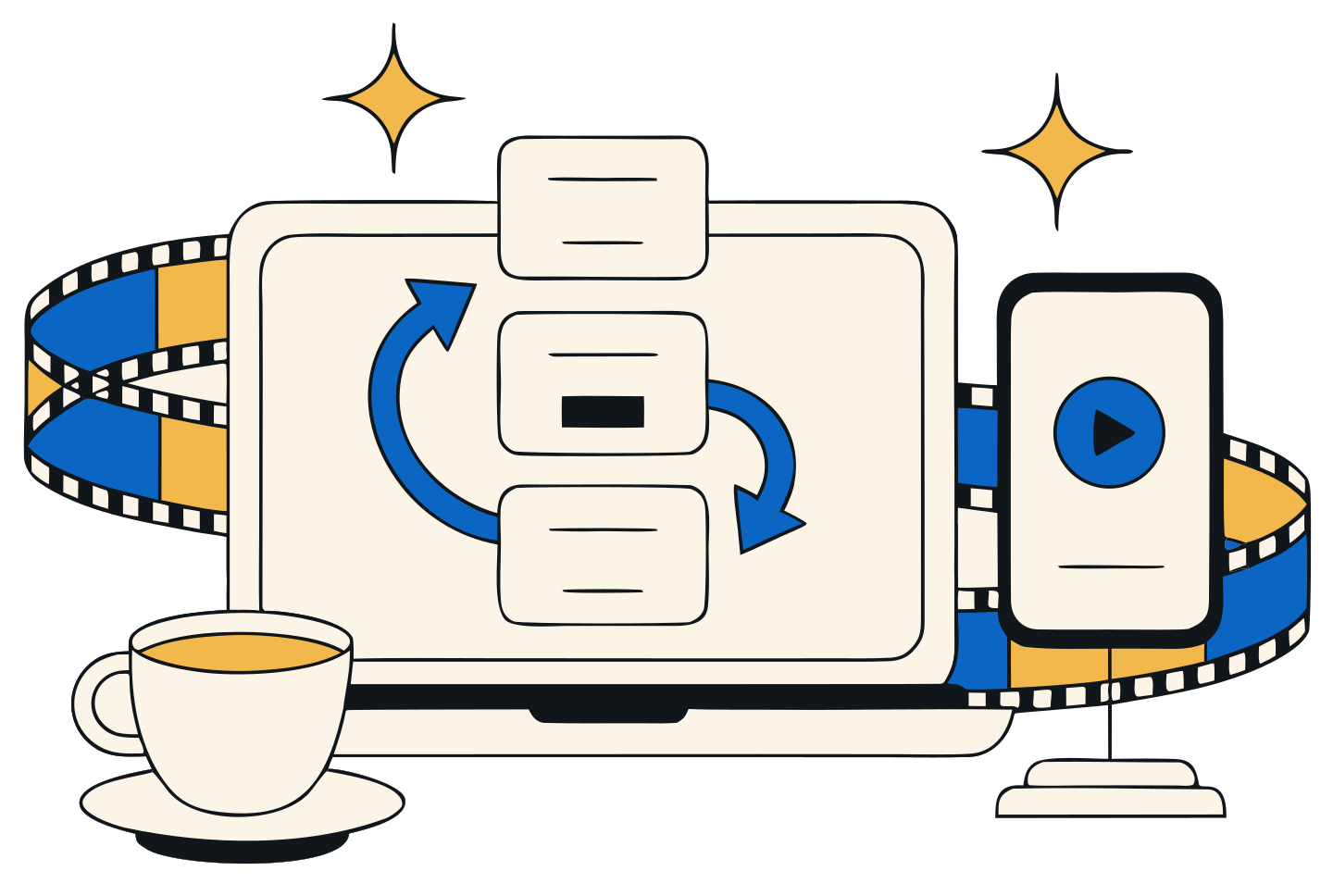
Sound familiar?
Showing a prototype
shouldn't take an afternoon.
The screen recording shows everything
The cursor, Figma's toolbar, the browser tabs, the notification that popped up halfway through.
Then comes the editing
Crop in one app, add a phone frame in another, convert to GIF in a third. For a 12-second clip.
And the file is too big to send
A 200 MB video won't go through email or Slack, and the GIF came out blurry.
Record
Press Present. Click Record. That's it.
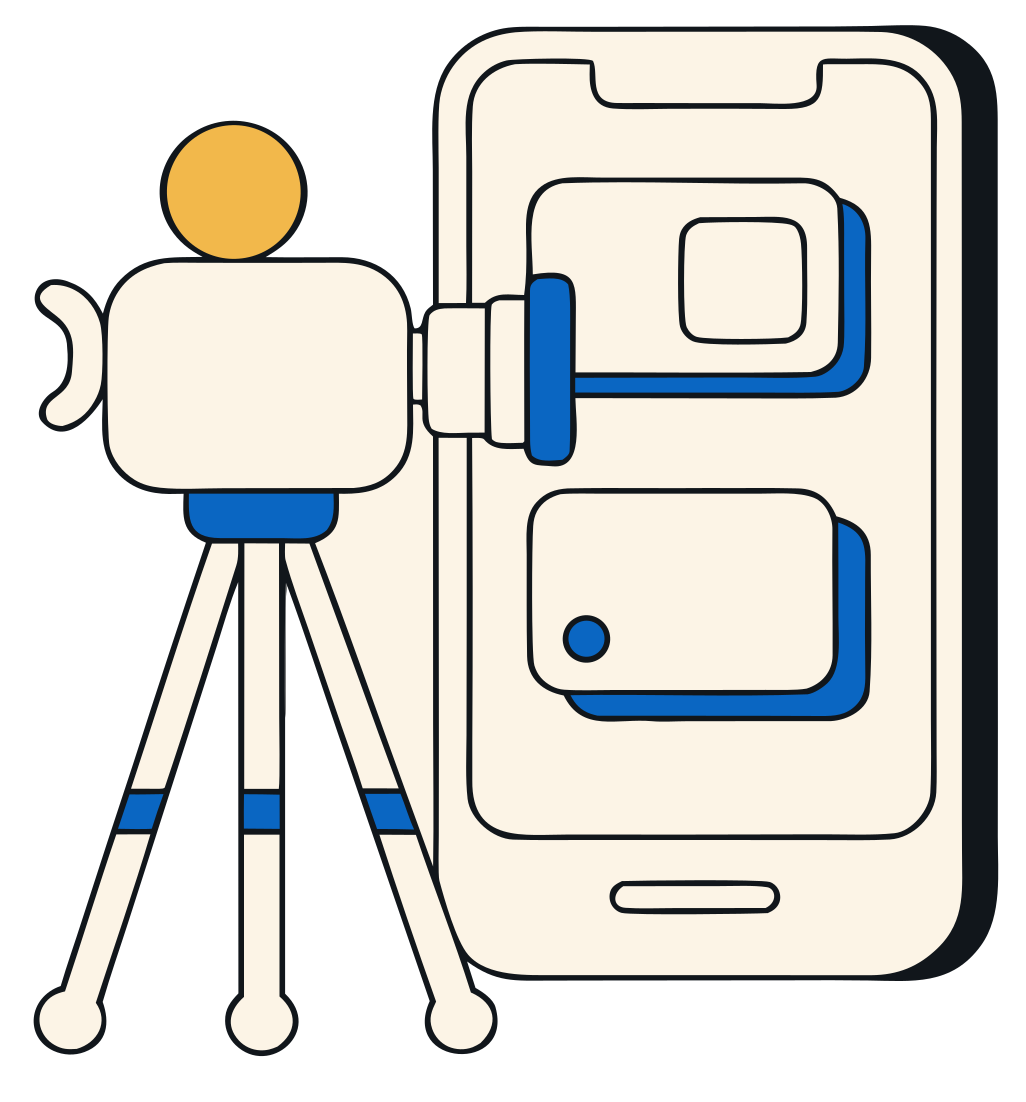
Open your prototype in Figma, click the extension and click through your flow. Only the prototype is filmed, cropped to its own edges.
- No cursor, no Figma interfaceonly your screens, cropped to the prototype
- Tap circles where you clickeda soft circle, like a finger on a phone
- A keyboard shortcut to start and stopAlt+Shift+R by default
Frame
Put it in a real device.
Pick a frame and a background, trim the start and the end, set the margin. What you see in the studio is what you export.
- MP4, WebM or GIFsharp GIFs up to 800 px wide
- Plain colours or soft gradient scenes
- Your face in a round bubble, if you wantcamera and voice, recorded with the take
Share
Send a link, not a file.
One click turns an export into a link. It opens on any phone or computer, with a preview image in Slack, iMessage or email.
- Update the video, keep the same linkre-export a take and the link shows the new version
- Your name and logo on the pageStudio plan
- A password, and a view count per linkStudio plan
Organize
Every take, by project and by client.
Your recordings stay in a library on your computer. Sort them into categories and clients, search by name, and export again any time.
- Categories like Onboarding, Checkout, Dashboard
- Clients with their own list of takes
- A side panel, right next to your prototype

Privacy
Your recordings stay on your computer.
Proto to Video records and exports in your browser. A video only leaves your computer when you click “Create a link”, and you can remove it at any time.
- Recordings stored in your browserwe never see your takes
- Only the prototype tab is recordedand only while you record
- No tracking, no adsnothing follows what you do
- Google sign-in only for plans and linksyour name and email, never your files
Plans
Start free. Upgrade when it pays off.
Monthly, cancel any time. Secure payment by Stripe: we never see your card.
- 5 exports a month
- Small “Made with Proto to Video” watermark
- No frame or browser frame, GIF up to 480 px
- 1 GB of shared links, up to 10 links
- Unlimited exports, no watermark
- iPhone, Android, iPad and MacBook frames
- Tap circles, scenes, camera bubble
- Sharper GIFs, up to 800 px wide
- 50 GB of shared links
- Everything in Pro, plus:
- 250 GB of shared links
- Your name and logo on links
- Password-protected links
- View count per link
Need more room? Add +100 GB for $2.99 a month, as many times as you need.
Questions
Questions
Is Proto to Video free?
Yes. The free plan gives you 5 exports a month, with a small watermark, and up to 10 shared links. Pro ($4.99 a month) removes the watermark and the limit, and adds device frames, tap circles, scenes and the camera bubble. Studio ($9.99 a month) adds your brand, passwords and view counts on links.
Which prototypes does it work with?
Any Figma prototype you can open with Present (▶): the tab address starts with figma.com/proto. It works with your own files and with prototypes someone shared with you.
Where are my recordings stored?
In your browser, on your computer. We never receive them. Exported files go to your Downloads folder. Only a video you turn into a link is sent to our server, so people can watch it.
Who can watch my links?
Anyone who has the link. Links are not listed anywhere and search engines are asked not to index them. On Studio, you can add a password. You can remove a link at any time: the video is erased from our server.
Does it record my camera or microphone?
Only if you turn on the camera bubble. Chrome asks for permission first, and your face and voice are recorded into the take on your computer.
What if my online space is full?
Your links keep working; only new links are refused. Remove a link, add a +100 GB pack or change plan. If you stay over your space for 90 days, for example after cancelling, the oldest videos are removed until you are back under it.
Does uninstalling cancel my subscription?
No. Cancel from the extension's Settings (Manage subscription), or from the page that opens after you uninstall, where you can also delete your account and your links.
Record it tonight. Share it tomorrow.
Free for Chrome. Ready in a click.